


Updated: October 22, 2026
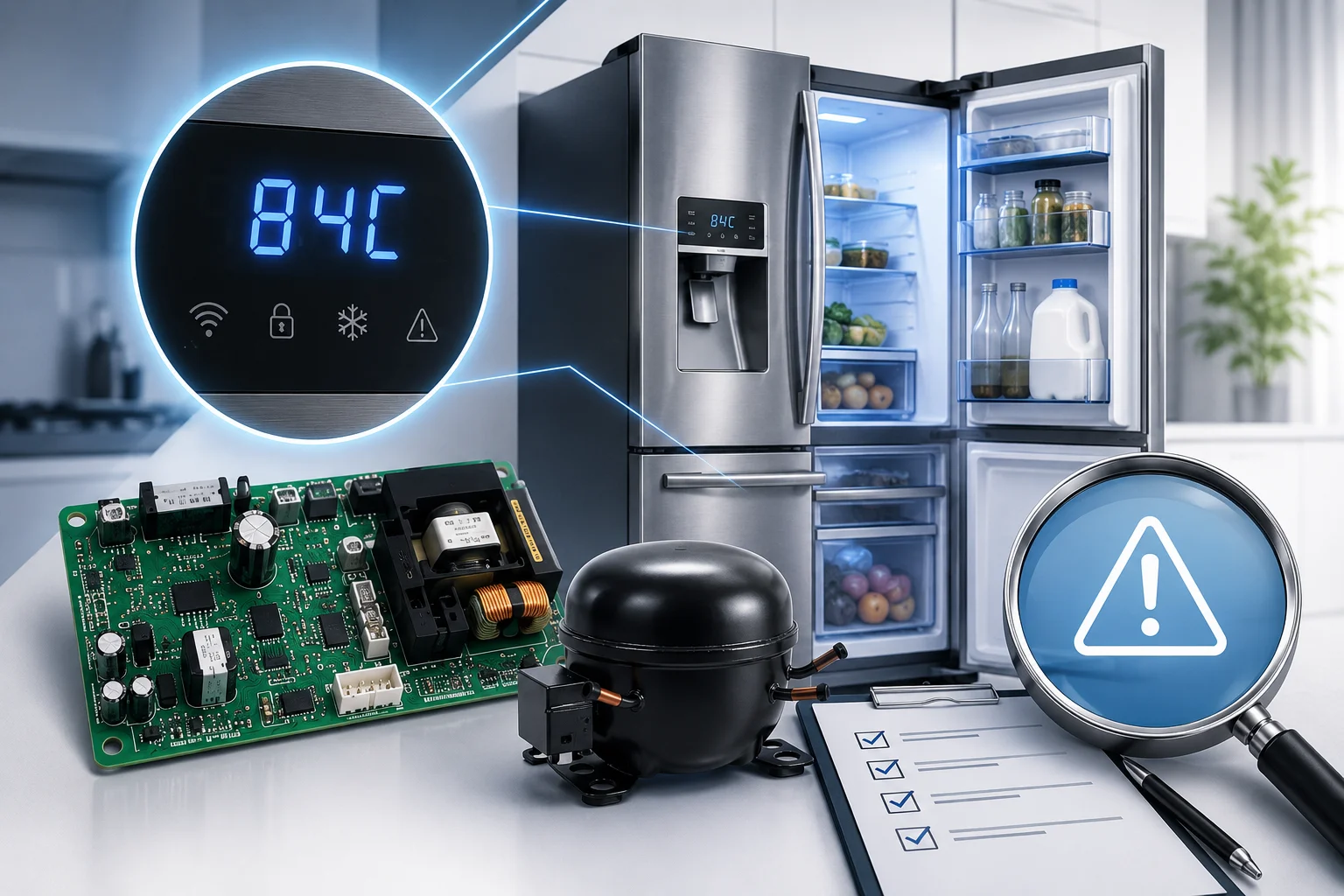
Samsung refrigerator error codes identify problems with fans, sensors, ice makers, electrical power, or communication between components. Some messages indicate a setting rather than a failure: OF OF means cooling is switched off, while AP indicates Wi-Fi setup mode. Photograph the code, find your model number, and check the next step below before attempting a reset.
Samsung Refrigerator Error Codes at a Glance
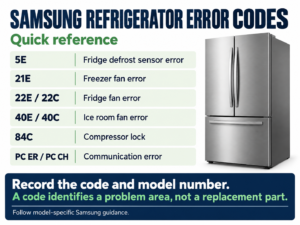
Use this table to identify common Samsung fridge error codes. The code points to a system that needs attention; it does not automatically identify a part that must be replaced.
| Error code | Meaning | What to do first | When to call a technician |
|---|---|---|---|
| 5E | Refrigerator defrost sensor error | Record the code and cooling symptoms. | Arrange diagnosis. |
| 8E | Freezer ice maker sensor error | Note whether ice production has changed. | Arrange diagnosis. |
| 14E | Ice maker sensor error | Record your model and code. | Arrange diagnosis. |
| 21E | Freezer fan error | Check that doors close and seals make contact. | If persistent or cooling declines. |
| 22E / 22C | Refrigerator fan error | Follow the defrost guidance below. | If the code returns. |
| 33E | Ice pipe heater error | Record the code for service. | Arrange diagnosis. |
| 39E / 39C | Ice maker function error | Note any ice-making problems. | Arrange diagnosis. |
| 40E / 40C | Ice room fan error | Request a fan-system inspection. | Arrange diagnosis. |
| 84C | Compressor lock | Record temperature changes. | Promptly, especially if cooling stops. |
| PC ER / PC CH | Communication error | Check model-specific door-connection guidance. | If unresolved. |
| 88 88 / 83E / 85E / 86E | Power or voltage error | Disconnect power for 60 seconds, then restore it. | If it returns. |
| OF OF / O FF | Cooling Off / Demo mode | Disable using your model’s instructions. | If cooling does not resume. |
| AP | Wi-Fi access point mode | Complete setup or let it time out. | If setup remains unsuccessful. |
| Ice Off blinking | Ice bucket positioning issue | Reinsert the bucket correctly. | If blinking continues. |
Model matters: Check your exact refrigerator’s documentation before using button combinations or interpreting a code not listed here. See Samsung’s official refrigerator error-code guide for manufacturer guidance.
What to Record Before Troubleshooting
A few details make it easier to diagnose the problem and avoid unnecessary parts replacements.
Before pressing buttons or disconnecting power:
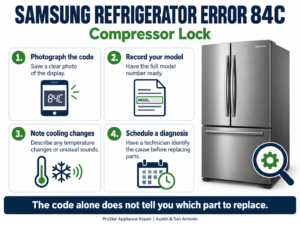
- Take a clear photo of the display.
- Record the full model number from the appliance label.
- Note when the code first appeared.
- Describe any unusual noise, frost, leaks, or cooling changes.
- Mention a recent outage, move, or door removal.
- Write down any troubleshooting you have already attempted.
Avoid repeatedly clearing an alert simply to make it disappear. A photo and a description of the original symptoms can help the technician understand what happened.
Why a Code Does Not Always Mean a Failed Part
An error message gives you a starting point for diagnosis. It does not replace testing.
Before approving a repair, ask what the technician checked and how those findings support the recommendation. A useful diagnosis should explain the fault, the proposed work, and the expected cost.
This is especially helpful when deciding whether to repair an older refrigerator. Buying a component based only on a displayed code can leave you with the same problem and an unnecessary expense.
What to Do About Common Samsung Fridge Error Codes
Fan Codes: 21E, 22E, and 22C
Start by checking door closure, seals, and anything preventing the doors from shutting.
For 22E / 22C, Samsung recommends unplugging the refrigerator with its doors open for a few hours, then restarting it. Move food to another working refrigerator before defrosting. If the code returns, request service.
Do not assume that a recurring fan code automatically means the motor needs replacement. Ask for a diagnosis before ordering parts.
Sensor and Ice Maker Codes
For 5E, 8E, 14E, 33E, 39E / 39C, and 40E / 40C, record the message and arrange service.
When booking, explain whether the main refrigerator is cooling normally and whether the problem affects ice production. This gives the service team a clearer picture than the code alone.
Compressor Code: 84C
Samsung identifies 84C as compressor lock.
Arrange a professional diagnosis rather than purchasing a compressor or inverter board based on the code. Explain whether both compartments are affected and when cooling changed.
Communication Codes: PC ER and PC CH
These messages indicate a communication issue between refrigerator components.
Follow the door-connection instructions for your exact model. Disconnect power before wiring work, and leave inaccessible or unfamiliar connections to a technician.
Power Codes: 88 88, 83E, 85E, and 86E
Samsung recommends disconnecting power for 60 seconds, then restoring it.
If the message returns, arrange service. Repeating the same reset is not a diagnosis.
OF OF: Cooling Off Mode
OF OF or O FF means the refrigerator is in Cooling Off mode.
Use the instructions for your model to disable it. There is no single button combination that applies to every Samsung refrigerator.
Should You Reset Your Samsung Refrigerator?
Use the instructions for the specific code and model. A universal reset procedure is not appropriate for every alert.
Before attempting a reset, photograph the code. After completing the recommended step, record what changed: whether the message returned, whether cooling resumed, and whether any unusual noise continued.
If the problem returns, provide that information when booking service. Avoid cycling through multiple online button combinations without knowing what each one does.
When to Call a Refrigerator Repair Technician
Book a diagnosis when:
- The code returns after its recommended troubleshooting step.
- Cooling becomes unreliable.
- You notice new noise, frost, or leaks.
- The next step requires internal access or electrical testing.
- You cannot find reliable instructions for your model.
When contacting a repair company, have your model number and a photo of the display ready. Ask about service availability, diagnostic charges, and whether parts may require a separate visit.
For local help, schedule Samsung refrigerator repair in San Antonio or refrigerator repair in Austin with ProStar Appliance Repair.
How Much Does Samsung Refrigerator Error Code Repair Cost?
Repair cost depends on the diagnosed problem, appliance model, required parts, and labor.
Before approving work, request an estimate that explains:
- The diagnostic or service-call charge.
- Parts and labor costs.
- Whether the diagnostic fee applies toward the repair.
- Any additional visit or ordering charges.
- The warranty on the completed work.
Check your manufacturer warranty and any extended coverage first. Give the repair company your model and purchase information so you can discuss the appropriate next step.
A clear estimate makes it easier to compare repair options without relying on a generic price attached to an error code.
Maintenance Between Repairs
Keep a record of recurring symptoms and previous repairs. Follow your model’s maintenance instructions, and mention developing problems when scheduling service.
For a practical maintenance checklist, read How to Extend the Life of Your Refrigerator With Annual Maintenance.
Maintenance supports ongoing care, but it does not replace diagnosis when an active fault returns.
Frequently Asked Questions About Samsung Refrigerator Error Codes
What should I do before troubleshooting a Samsung refrigerator error code?
Photograph the display, record your model number, and note any cooling changes or unusual sounds.
Does an error code tell me which part to replace?
No. A code identifies a problem area; testing is needed before choosing a replacement part.
What if the same code keeps returning?
Stop repeating resets and arrange a diagnosis. Tell the technician which troubleshooting steps you have already tried.
What information should I provide when booking a repair?
Provide the exact code, model number, cooling symptoms, and when the problem started.
Should I order parts before a technician visits?
Wait for a diagnosis so you do not buy a part that fails to resolve the problem.
What should I do if my code is not listed here?
Check the documentation for your exact model or contact Samsung support. Do not assume a similar-looking code has the same meaning.
Should I check warranty coverage before booking a repair?
Yes. Check your model’s warranty documents and purchase date before authorizing paid work.
Schedule Samsung Refrigerator Repair in Austin or San Antonio
Have a code that keeps returning? Contact ProStar Appliance Repair with your model number, a photo of the display, and a description of the symptoms.
Choose refrigerator repair in Austin or refrigerator repair in San Antonio to discuss availability and arrange a diagnosis.
Manufacturer references: Samsung US refrigerator error codes · Samsung Canada error-code guide

